ARCHIVE · 2023 · UW HCDE
Helping children explore how AI interprets their voices
EmoTune invites children to use their own voices to explore how AI interprets emotion, language, and accent. In four weeks, I led research, design, and development to turn that idea into a working web app. My partner contributed to the designs and helped run interviews with children at UW KidsTeam.
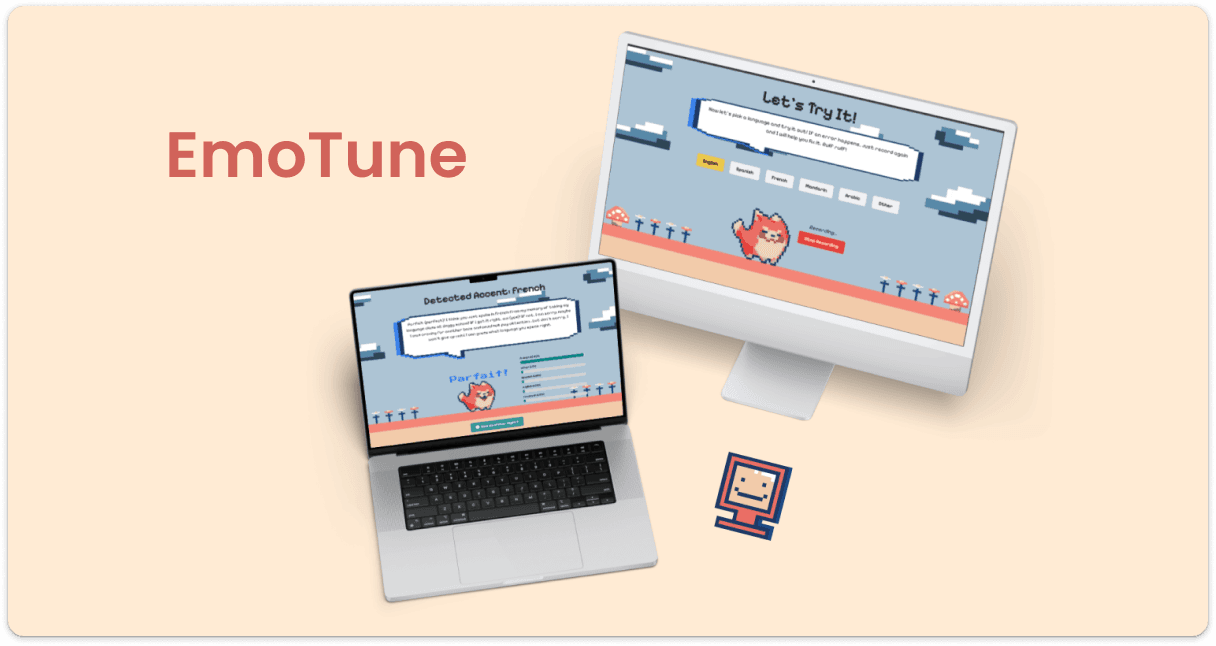
Built and tested a working app with three voice activities in four weeks. Children experimented with the models; interviews and observation pointed to clearer prompts and fewer repeated steps for the next iteration.
Making an abstract topic approachable for children
For children still learning to read, explanations alone would not be enough. I used voice input, characters, and visual feedback to give them a way to participate and explore what an AI model does.
The UW Learning, Epistemology and Design Lab was studying how children understand AI bias through images. We extended that question to speech: could hearing how a model interpreted their own voice give children a concrete reason to question its answers?
I gave each activity a character to guide children through the prompts and results. Expressions, color, and pixel art supported the written instructions, connecting a technical task to a familiar game format. This gave us a visual approach to carry into the activity flows.
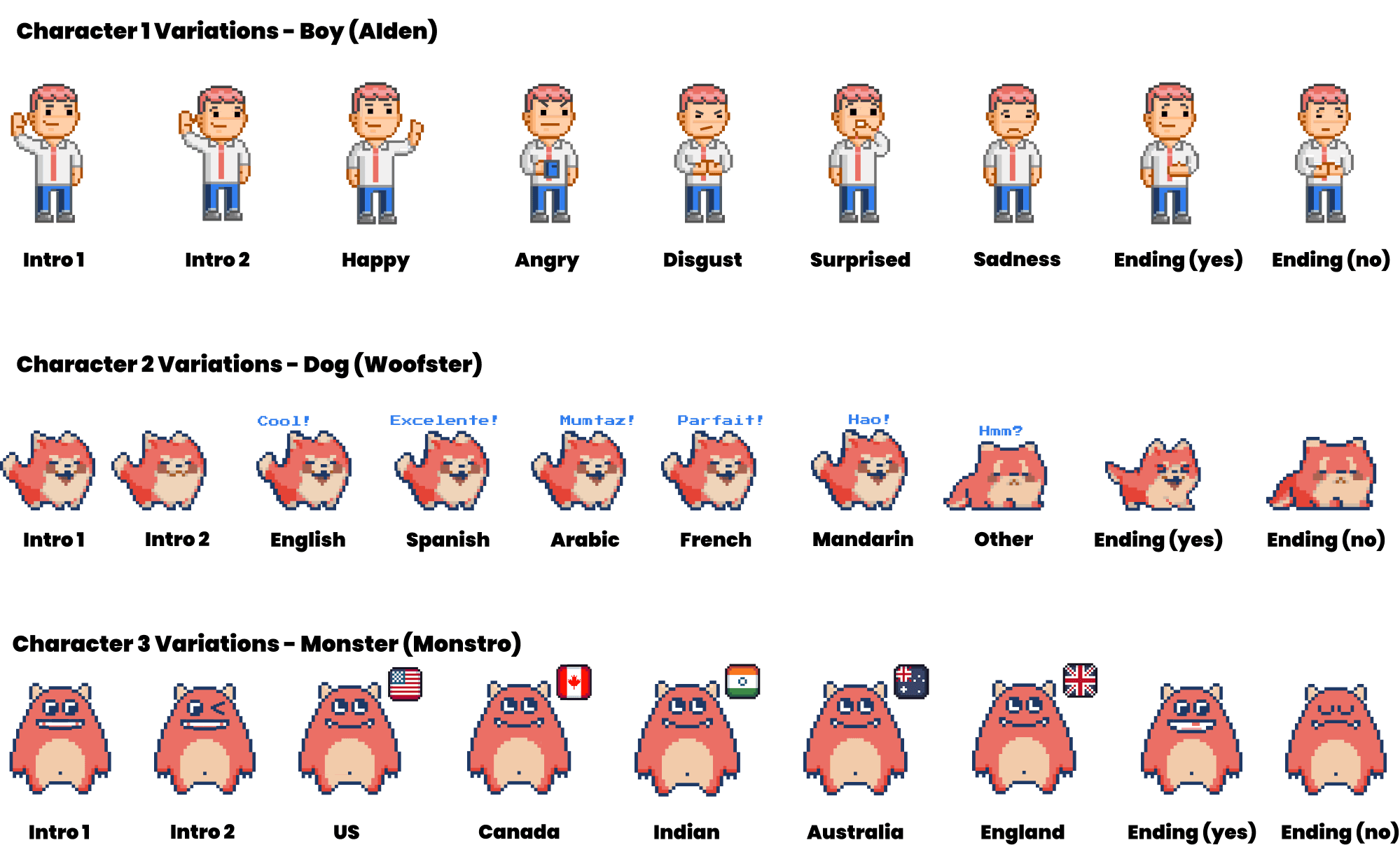

→ AIden
→ Woofster
→ Monstro
Each character gave a voice activity a recognizable identity. Its expressions connected the model’s response to feedback children could see.
Voice input let children take part without typing. Changing what they said or how they said it gave them a way to explore the model’s responses.
Turning the learning goal into three voice activities
With the audience in mind, I translated three speech models into character activities. Children could choose a character, record their voice, and review the result. The design question was how to make that sequence easy to follow while leaving room to experiment.
- WEEK 1Research and model exploration
- Gathered context from the UW LED Lab
- Explored Hugging Face models
- Selected an emotion recognition model
- WEEK 2Concept development
- Sketched the initial activity flow
- Reviewed the concept with our mentor
- Expanded the sitemap to three activities
- WEEK 3Design and iteration
- Refined voice input and feedback
- Replaced circular indicators with bars
- Developed the character designs
- WEEK 4Build and testing
- Completed the working web app
- Interviewed children at UW KidsTeam
- Observed interactions and identified next steps
Four weeks to connect the research brief, activity design, working code, and feedback from children.
The early concept centered on emotion recognition. Mentor feedback broadened the scope to language and English accent activities. That offered more ways to explore AI, but also meant building three distinct flows within four weeks. I carried that change through the sitemap, character prompts, and implementation.
Across those flows, the interaction stayed consistent: record a voice, see a result, and try again. I replaced circular indicators with bars to make the model outputs easier to compare. Designing and building the app together let me work through both the interaction and the feedback children would see.
Choose an activity
↓ ↓ ↓
A
AIden
EMOTION
Explore how AI interprets emotion in your voice.
W
Woofster
LANGUAGE
Explore which language the AI recognizes.
M
Monstro
ENGLISH ACCENT
Explore how AI classifies an English accent.
Record your voice and explore the result
Each character introduces a different voice activity.
Testing what invited exploration and what got in the way
Once the app was working, my partner and I interviewed and observed three children, ages 6, 8, and 10, using EmoTune at UW KidsTeam. Seeing them use the activities helped us identify what held their interest and where they needed more guidance.
STUDY CONTEXT Qualitative feedback from three children in a session with other project prototypes available. The findings informed usability improvements; they did not establish learning outcomes.
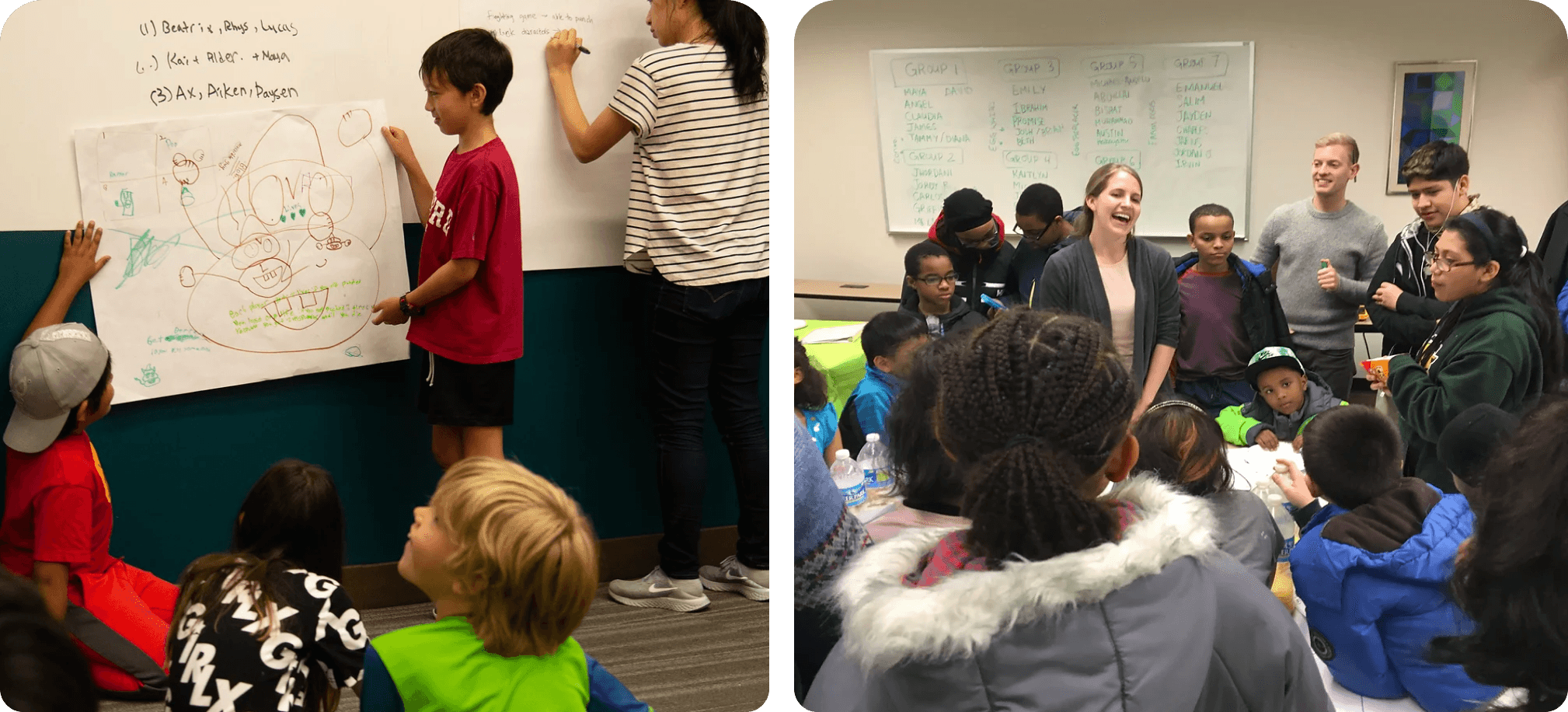

- A playful formatChildren responded positively to the game format and character activities.
- Familiar visual styleThey liked the colorful pixel art and its resemblance to games they already played.
- Experimenting with the AIThey tried different inputs to get the answer they wanted.

- Fewer repeated stepsA skip option would help children return to an activity without going through the same instructions.
- More help with promptsExamples and clearer boundaries would give children a starting point when they were unsure what to say.
The next iteration would keep the playful format, clarify the prompts, and shorten the path back into an activity. These improvements were proposed after testing.
Connecting an engaging experience to a learning goal
Testing showed that children were willing to experiment with the models. It also exposed the next question: what did they understand from those experiments? That distinction shaped what I would test next and what I would carry into future work.
EmoTune began with a question about helping children understand AI. I turned that question into activities they could try, carried the design into a working app, and used testing to identify what needed to change. The project reflects how I work across product, design, and engineering: make a broad goal concrete, build an experience around people’s needs, and use what we learn to guide the next decision.